User Guide Full Index
 Getting Started
Connect to...
Getting Started
Connect to...
 Navigation
File Listing Options
Navigation
File Listing Options
 Selecting and Copying Files
- File Selection Mode
- Selecting Images in the Image Viewer
- Copying Files
- Drag and Drop
- AirDrop Files
- Share Files
- eMail Files
 Viewing Documents
Annotate/Markup
Merge PDFs
Viewing Documents
Annotate/Markup
Merge PDFs
 Bulk Rename Tools
- Bulk Rename - Add text to filenames
- Bulk Rename - Find and Replace
- Bulk Rename - Add Indexes / Counter
- Bulk Rename - Rename with Dates
- Bulk Rename - Rename using EXIF Data
 Search
 Working with Images
- Rotate Images
- Convert Images
- Create Contact Sheets
- Rate Photos with XMP
- Remove GPS from Photos
- Edit IPTC Properties on Photos
- Slideshows
 Playing Movies
 Playing Music
 Working with Finder
 WebDAV Server
 Sync and Backup
 Custom Tasks
- Create Custom Tasks
- Monitor a Folder for a Keyword and Download Hourly
- Download PDFs from the Last 7 Days
- Trim PDF Pages
- Change IPTC Properties on Images in Bulk
- Rotate Images in Bulk
- Automated Backup of Video Files from a Chosen Folder
- Automate Backup and Deletion of Files Older than a Chosen Date
- Remove GPS from Multiple Photos
- Convert Images in Bulk
 Advanced
Using the Music Player in FileBrowser Pro for Mac
This guide explains how to use the Music Player in FileBrowser Pro for Mac to play music files, podcasts and audiobooks, manage your play queue, and adjust playback modes and speed.
Clicking a music file will queue it and any other music tracks in order from the current folder to your "now playing" queue. For example, clicking track 3 will queue tracks 3-9 of Alice In Chains Dirt album.
Clicking another music track from another folder will clear your play queue and add these instead.
After you have played music you can access the media player via the music icon in the bottom toolbar.
FileBrowser Pro for Mac can play most music file types including MP3, M4a, Wav, Hi-Res Flac.
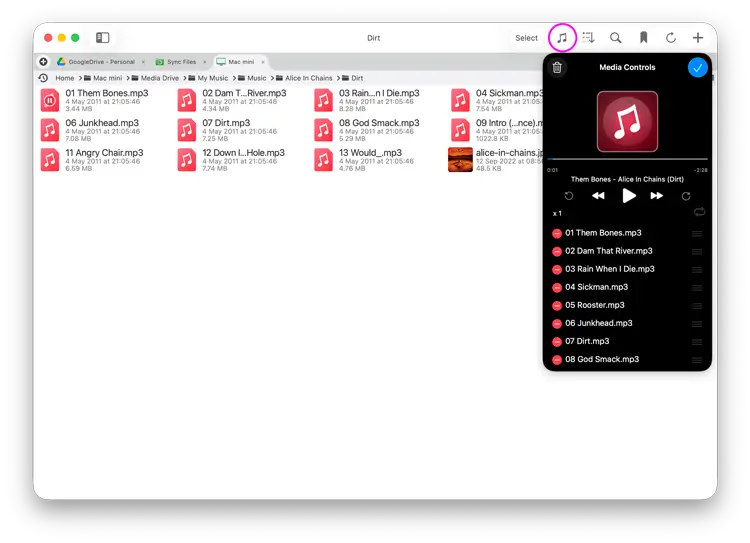
Play Modes

Album Mode
Play selected track and the remaining ones in the folder.

Single Mode
Selecting a track from a folder queues and plays it once.

Repeat Mode
Play selected track and all others in the folder continuously.

Shuffle Mode
Play selected track and others in the folder randomly.
Queueing Tracks
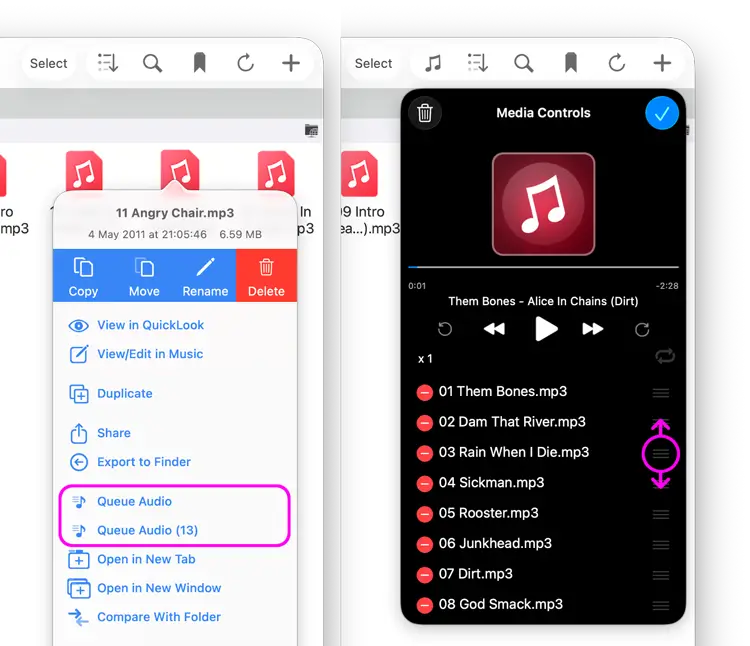
If you want to queue up tracks then use the file actions menu and select "Queue Audio" to add the track to the end of your play queue.
Reorder tracks by clicking "Edit", rearrange the track order and then click the blue tick.
Speed up or Slow down Playback
Click the "1x" button on the music player and select your playback speed.
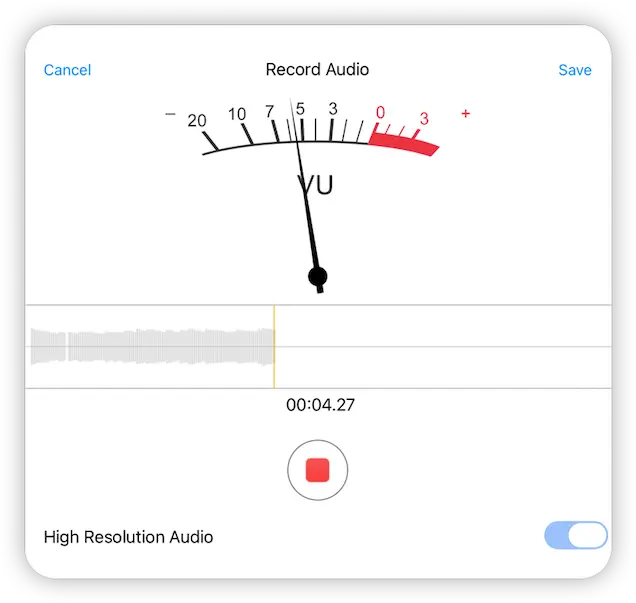
Record Audio
Navigate to a folder you want to save your voice recording and right click and select "Record Audio".
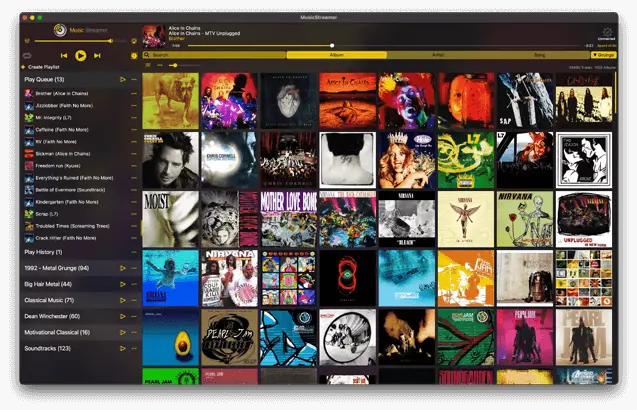
MusicStreamer for Mac
For a dedicated music player on macOS, try our MusicStreamer app
Play your existing music files, Learn more about our iTunes Alternative for macOS