User Guide Full Index
 Getting Started
Connect to...
Getting Started
Connect to...
 Navigation
File Listing Options
Navigation
File Listing Options
 Selecting and Copying Files
- File Selection Mode
- Selecting Images in the Image Viewer
- Copying Files
- Drag and Drop
- AirDrop Files
- Share Files
- eMail Files
 Viewing Documents
Annotate/Markup
Merge PDFs
Viewing Documents
Annotate/Markup
Merge PDFs
 Bulk Rename Tools
- Bulk Rename - Add text to filenames
- Bulk Rename - Find and Replace
- Bulk Rename - Add Indexes / Counter
- Bulk Rename - Rename with Dates
- Bulk Rename - Rename using EXIF Data
 Search
 Working with Images
- Rotate Images
- Convert Images
- Create Contact Sheets
- Rate Photos with XMP
- Remove GPS from Photos
- Edit IPTC Properties on Photos
- Slideshows
 Playing Movies
 Playing Music
 Working with Finder
 WebDAV Server
 Sync and Backup
 Custom Tasks
- Create Custom Tasks
- Monitor a Folder for a Keyword and Download Hourly
- Download PDFs from the Last 7 Days
- Trim PDF Pages
- Change IPTC Properties on Images in Bulk
- Rotate Images in Bulk
- Automated Backup of Video Files from a Chosen Folder
- Automate Backup and Deletion of Files Older than a Chosen Date
- Remove GPS from Multiple Photos
- Convert Images in Bulk
 Advanced
Rate Photos with XMP in FileBrowser Pro for Mac
This guide explains how to rate photos using XMP star ratings in FileBrowser Pro for Mac, allowing you to organise and sort images using industry-standard metadata.
How to rate photos with XMP
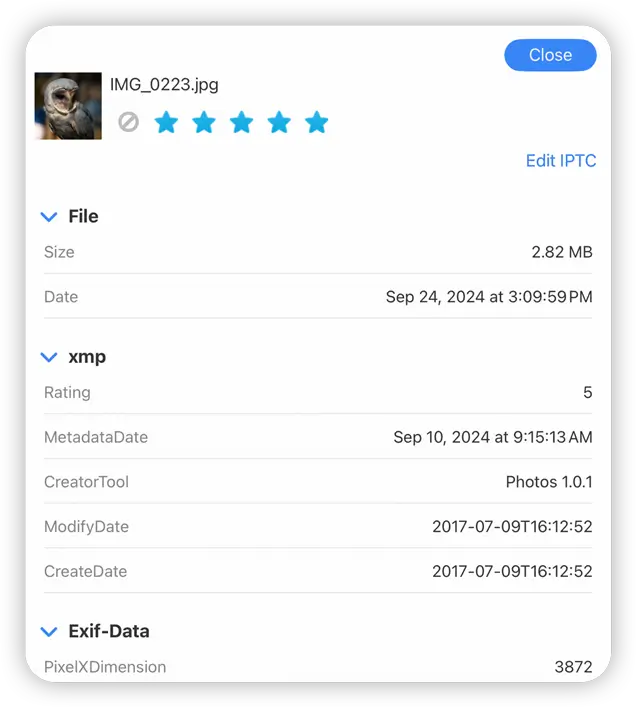
Open a photo to view it full screen, then click the "i" icon in the top menu, to bring up the image properties dialog. You can Rate or reject the photo using the star icons.
From Gallery View
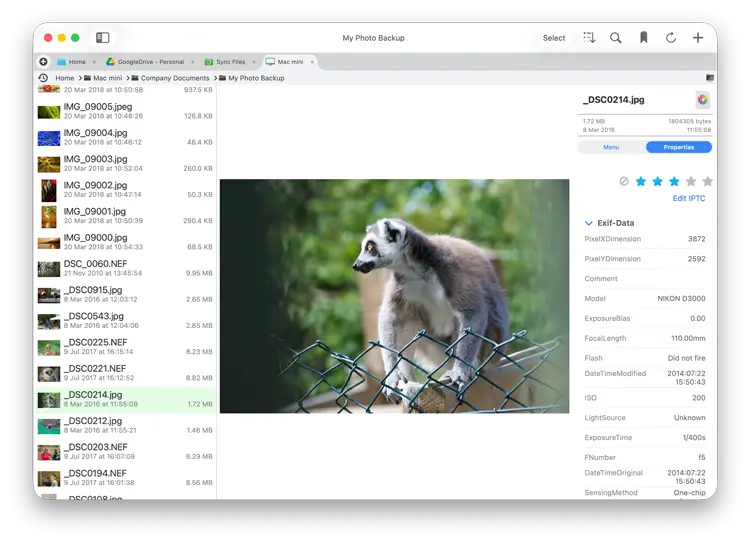
- Click the sort icon and change your view mode to one of the "Gallery" modes.
- Select a photo.
- Then change the view menu from "Menu" to "Properties" in the right panel.
- Edit the Star rating in the right panel.
Tip: Keyboard shortcuts for when viewing in fullscreen or in Gallery view. Use the keys “0-5” to rate or “x” to reject.
Use Right and Left arrow keys to move to next and previous images.